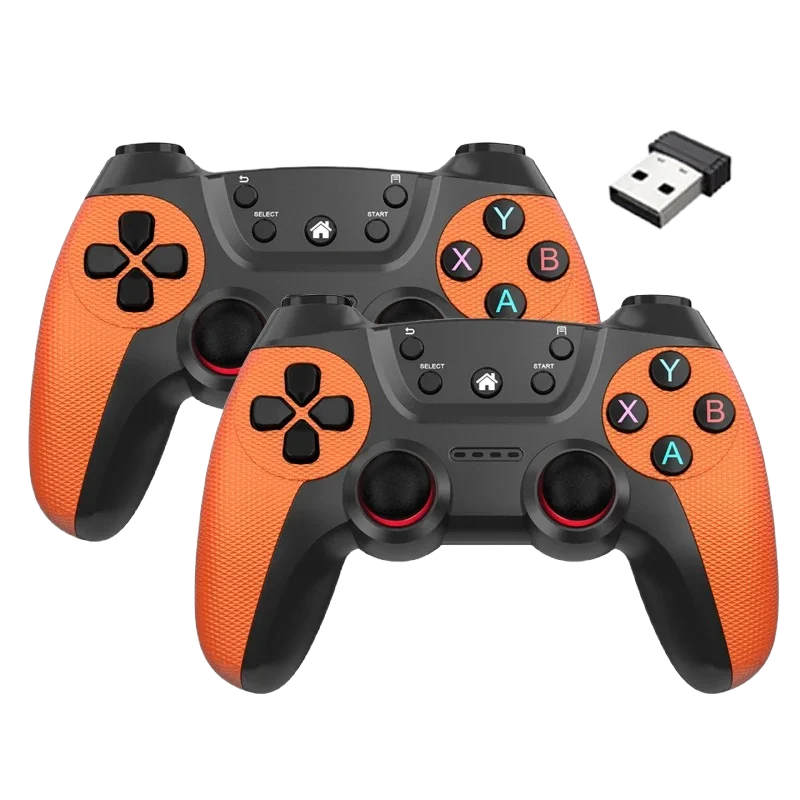
Wireless 2.4G Dual Game Controller – Universal Gamepad for Android, Linux, PC & Smart TV Box
Black
$41.00
Skip to product information


Wireless 2.4G Dual Game Controller – Universal Gamepad for Android, Linux, PC & Smart TV Box
$41.00
✓ Free Standard Shipping Available
✓ 30 days to request an eligible return
✓ Secure checkout powered by Shopify.
PRODUCT DETAILS
Product Details
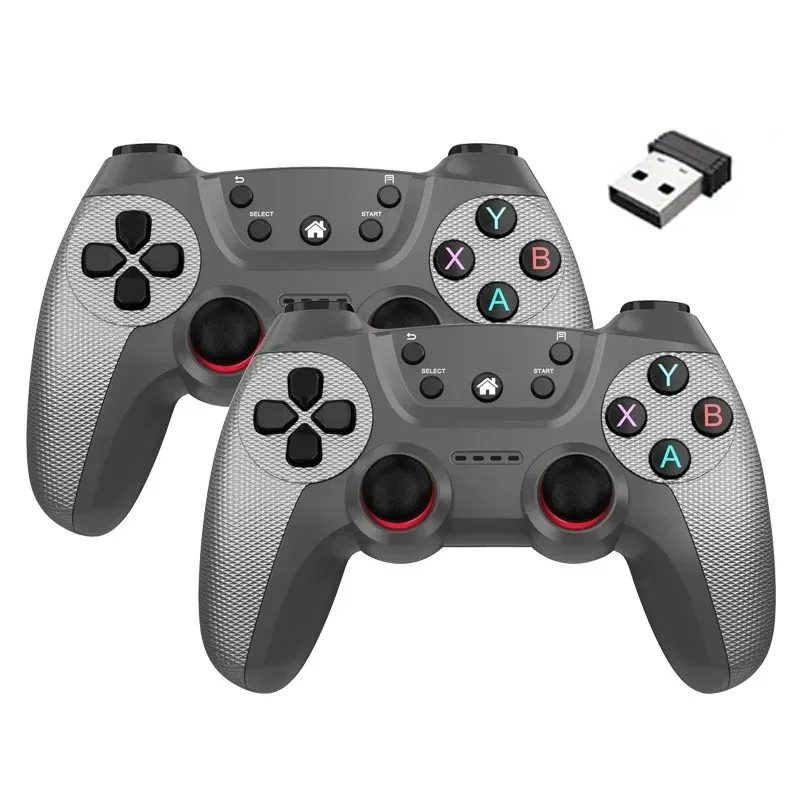
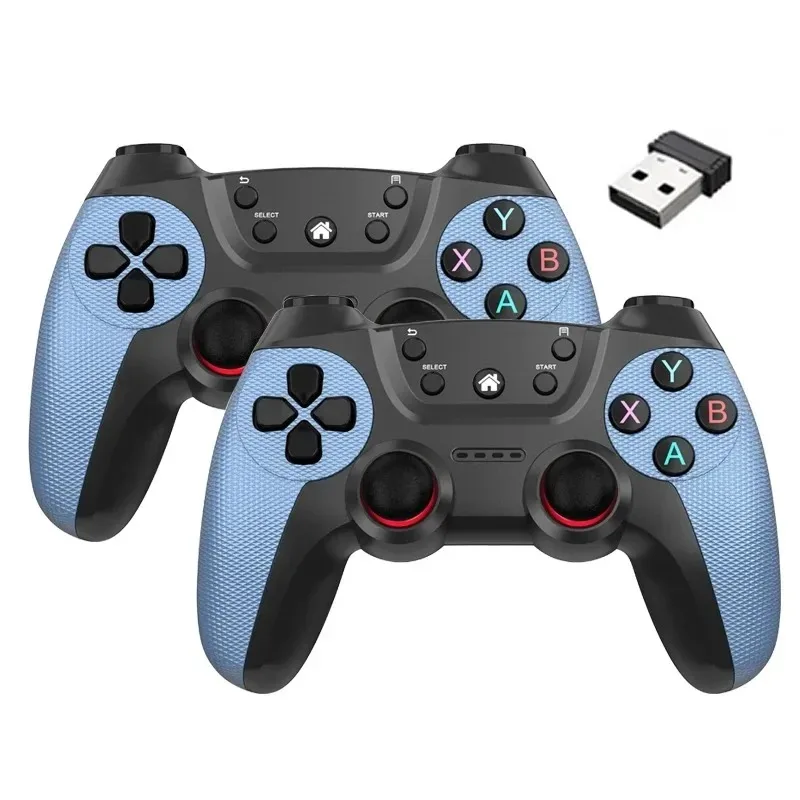
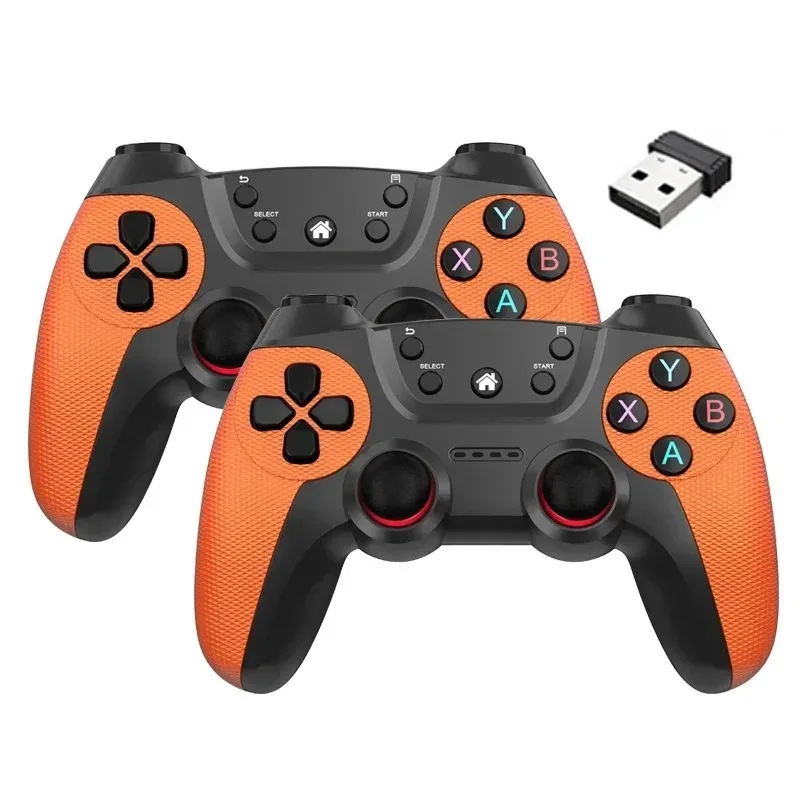
Enjoy smooth, low-latency gameplay with this wireless 2.4G dual game controller set, designed for wide compatibility across Android devices, Linux systems, PC, and smart TV boxes. Built for plug-and-play convenience, this controller offers reliable performance for retro gaming, emulators, and streaming media devices.
Ideal for Android TV sticks, game boxes, and home entertainment setups, it delivers stable wireless input without complex pairing steps.
Stable 2.4G Wireless Performance
• 2.4G wireless connection with USB receiver
• Plug-and-play setup
• Responsive button layout
• Dual controller set for multiplayer gaming
Wide Compatibility
Compatible with:
• Android devices
• Linux systems
• Windows PC
• Game boxes
• Smart TV boxes
• Game sticks
Perfect for retro emulators and casual gaming setups.
Designed for Everyday Gaming
• Lightweight design
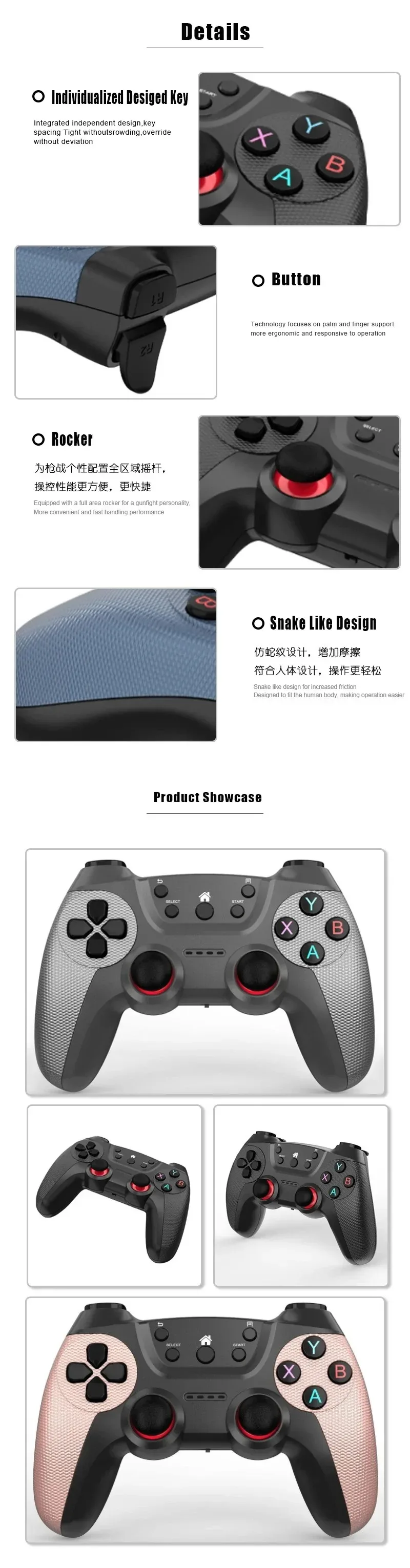
• Comfortable grip
• Stable signal transmission
• Easy setup for multiplayer sessions
What’s Included
• 2 Wireless 2.4G Game Controllers
• USB receiver
• User manual
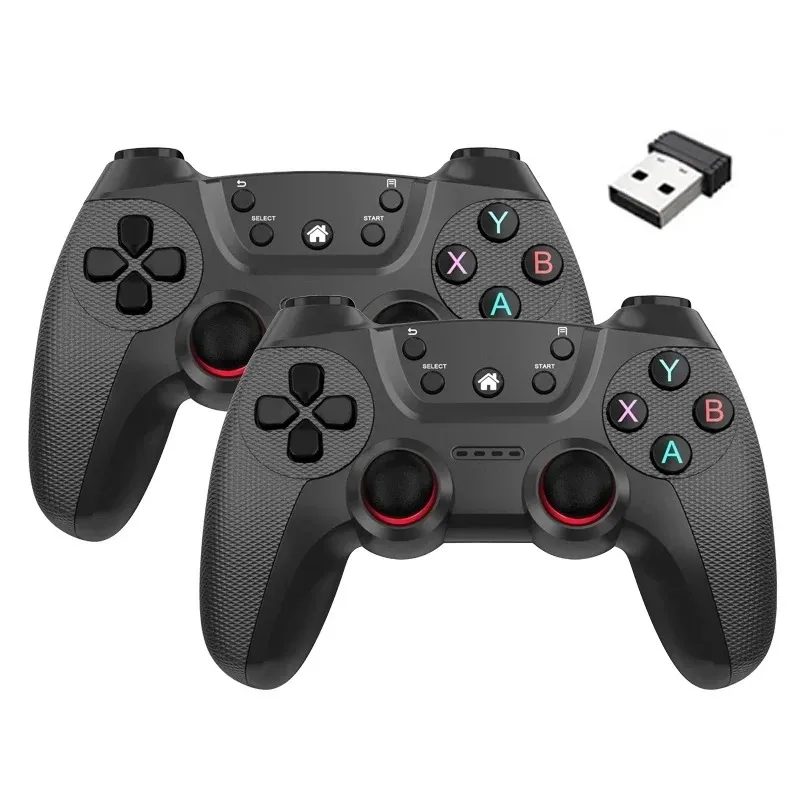
【 How to Connect 】
1,lug in the 2.4G receiver on the device and install 2 x AAA batteries on both handles. (This product does not come with batteries). Switch on the handle.
2,There will be an automatic connection function between the handle and the receiver, and the LED on the controller will keep the signal bright:
3,Connect the receiver to the PC and the LED will start flashing rapidly. After the first controller is connected, the LED will start flashing slowly. Once the LED changes from flashing to steady, the second controller will be successfully connected.
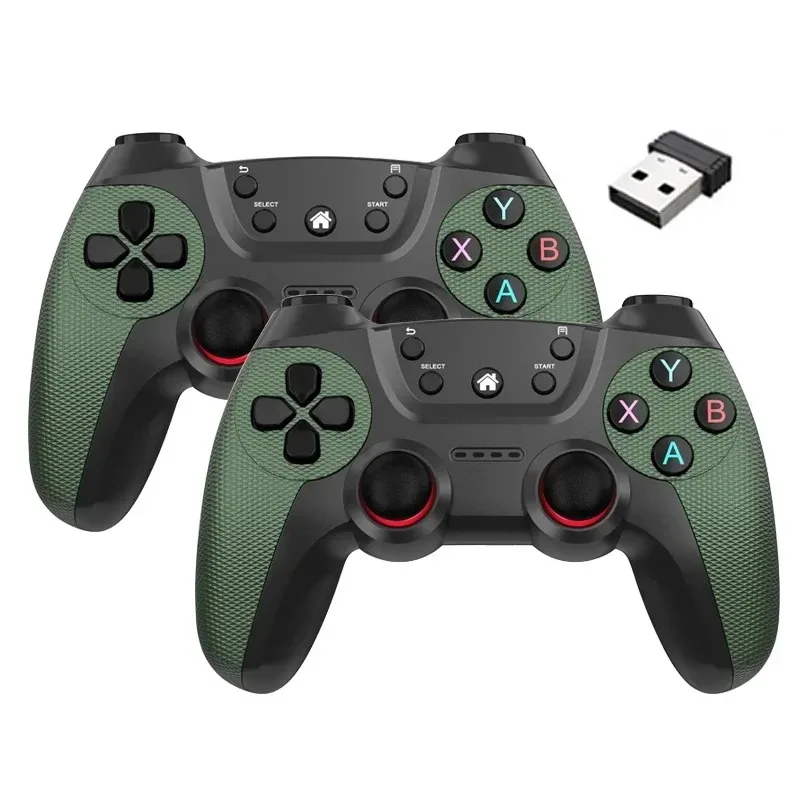
【 Kindly Note 】
1. When the voltage decreases, the built-in energy saving system will stop the signal (the LED in the controller will keep blinking).
2. When the controller is connected to the receiver but in use for 5 minutes, it will enter sleep mode. The controller also allows you to press the SELECT. START, L3 R3 buttons at the same time to enable sleep mode. Pressing the START button will reactivate the controller.
3. Compatible with analogue and digital modes
4. Requires 2 external AAA batteries for each controlle (batteries not included in this product)