

Android Smart TV Box – Dual-Band WiFi & Bluetooth Media Hub
T1 2G8G Ir Remote
$61.71
Skip to product information


Android Smart TV Box – Dual-Band WiFi & Bluetooth Media Hub
$61.71
✓ Free Standard Shipping Available
✓ 30 days to request an eligible return
✓ Secure checkout powered by Shopify.
PRODUCT DETAILS
Product Details
Upgrade your television into a flexible Android-powered media center with this compact streaming box powered by the Allwinner H313 chipset.
Designed for smooth app navigation, wireless connectivity, and home theater expansion, this device gives you more control over how you stream and access media.
Performance & Hardware
• Allwinner H313 Quad-Core Processor
• 2GB RAM
• 16GB Internal Storage
• Expandable storage via USB
• Android OS platform
• HDMI output for TV connection
Optimized for lightweight streaming apps, media playback, and casual gaming.
Wireless Connectivity
• Dual-band WiFi (2.4GHz / 5GHz)
• Bluetooth support for controllers and keyboards
• HDMI plug-and-play connection
Ideal For
• Secondary TVs
• Guest rooms
• Travel setups
• Open Android app access
• Media playback from USB drives
Important Notes
• Performance depends on internet speed and app compatibility
• Some streaming services may limit resolution depending on certification requirements
• Not a certified cable replacement device
• Not intended to bypass subscription services
What’s Included
• Android TV Box
• Remote Control
• HDMI Cable
• Power Adapter
• User Manual
Our Take
This is a budget-friendly Android media solution for users who want flexibility beyond locked-down streaming sticks.
Ideal for users comfortable navigating Android interfaces.
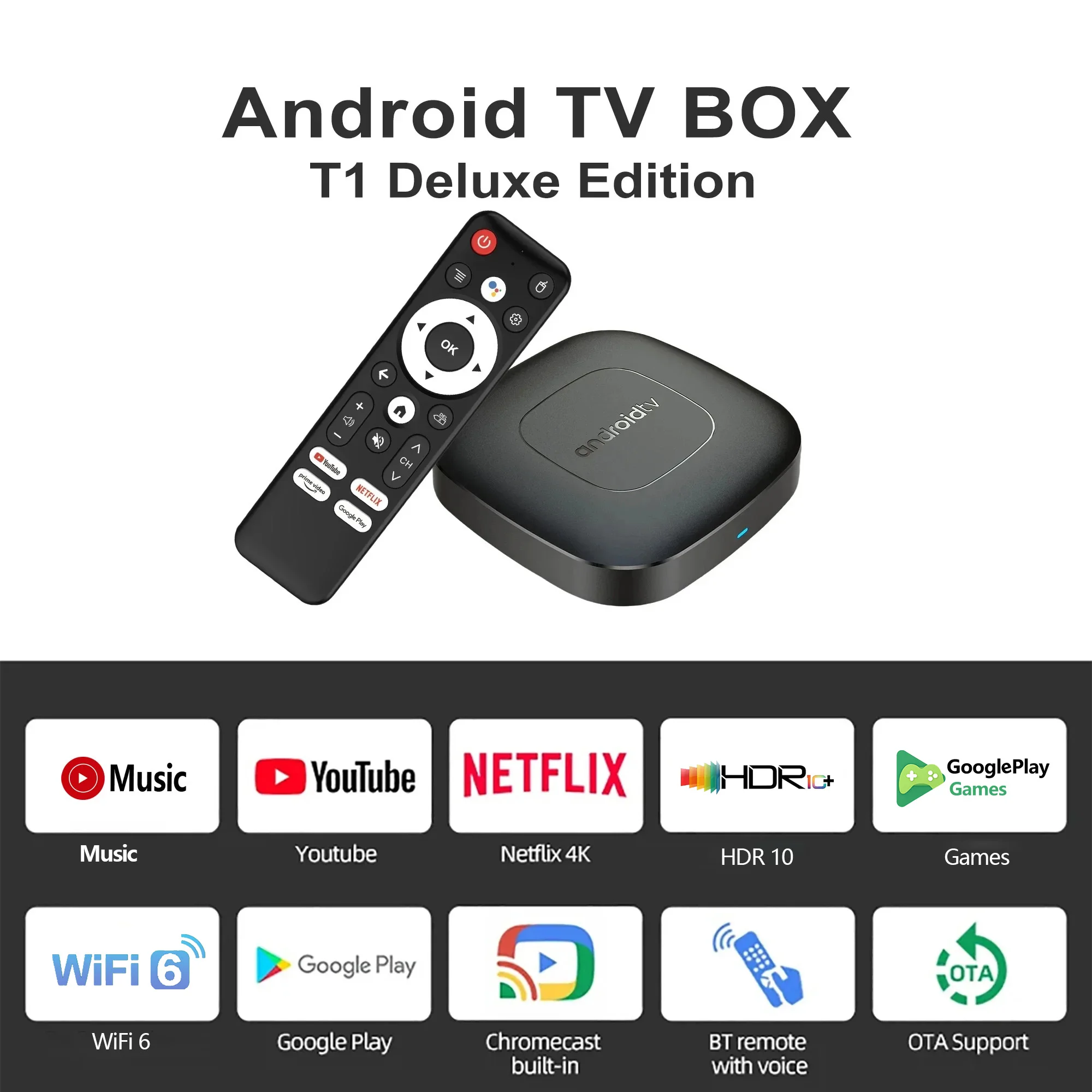
Product Applications
-
Watching High-Definition Videos:Supports 4K@60fps high-definition video decoding, presents delicate and realistic picture quality effects, allowing you to enjoy cinema-level viewing experience at home.
-
Playing Games: Supports hardware 3D graphics acceleration, making the game picture more smooth and realistic.
-
Browsing the Web:Built-in Chrome browser, browse the web anytime, anywhere.
-
Using Applications:Compatible with a large number of applications, meeting your various entertainment needs.
-
Office and Learning: Can connect a keyboard and mouse, making office and learning more efficient.
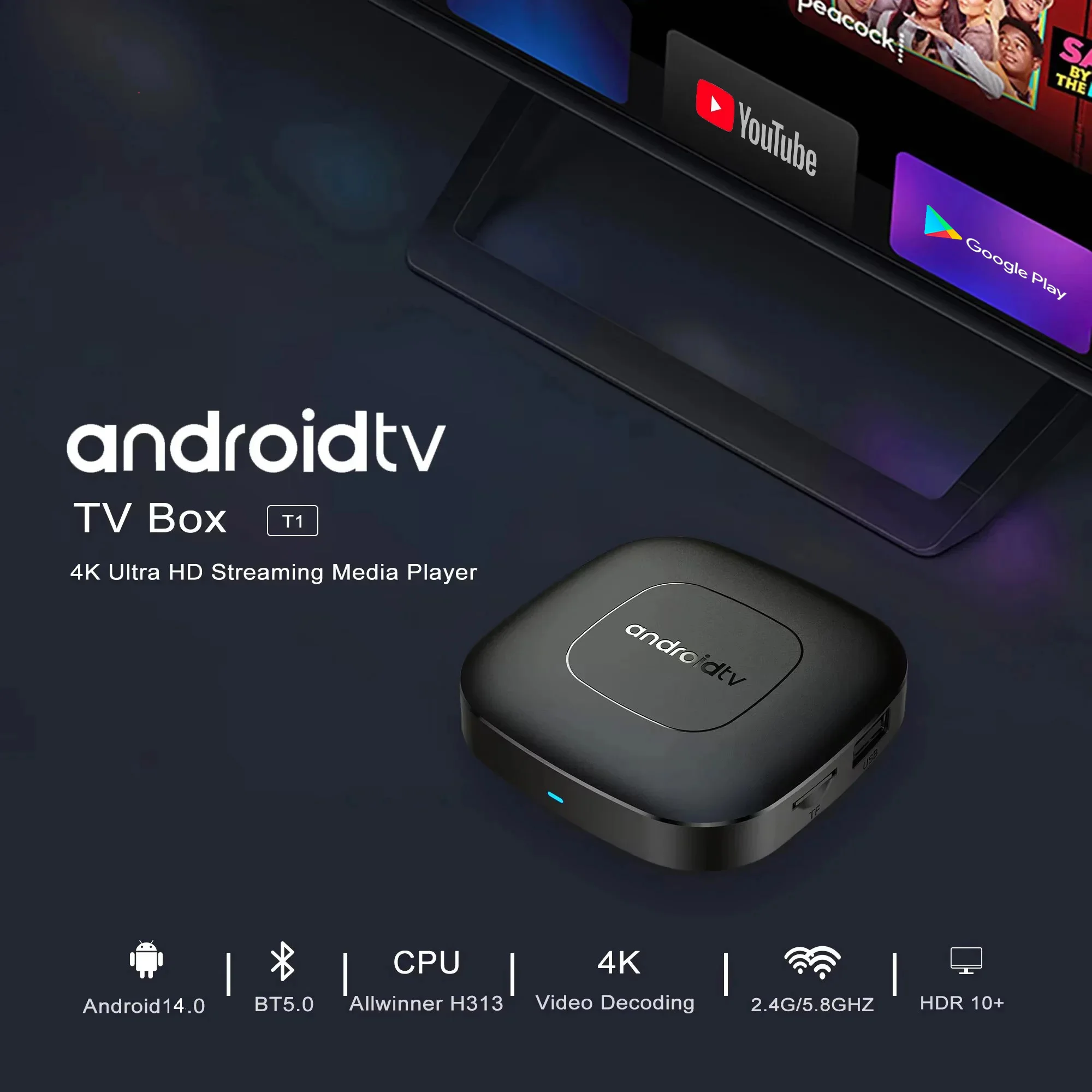

Android 16.0
Higher quality output, Powerful graphics processor, Stable performance
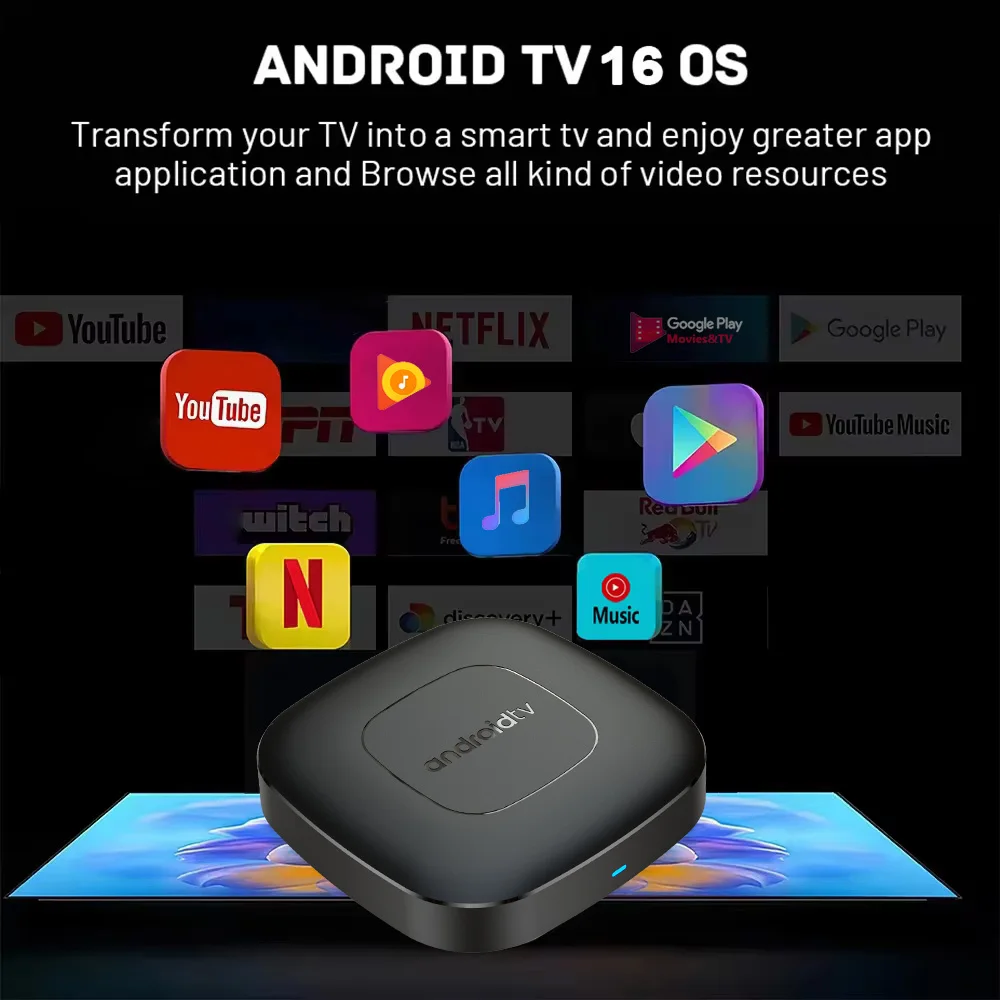
Special Notes
1.The T1 machine comes with two Netflix applications: ATV version of Netflix (white icon Netflix) and Amobile version of Netflix (black icon Netflix). Currently, the black icon Netflix is relatively stable, and users can directly use this version with the remote control mouse mode. When entering the account password, the remote control needs to be switched to the remote control mode, and the mouse mode is required at other times. If you have any questions about use, please contact customer service to ask for specific usage videos.
2. Due to strict regional restrictions, Disney applications are not compatible. Our developers are constantly developing more Disney-compatible versions.Once a new version is available, we are willing to send it to customers as soon as possible.Currently Disney is not available. If users mind, please do not purchase it.
3. If some applications fail to load when users download them, it is because the downloaded application version is incompatible with the Android system of the machine, not a machine quality issue. Please try again to find a more suitable program version for download.
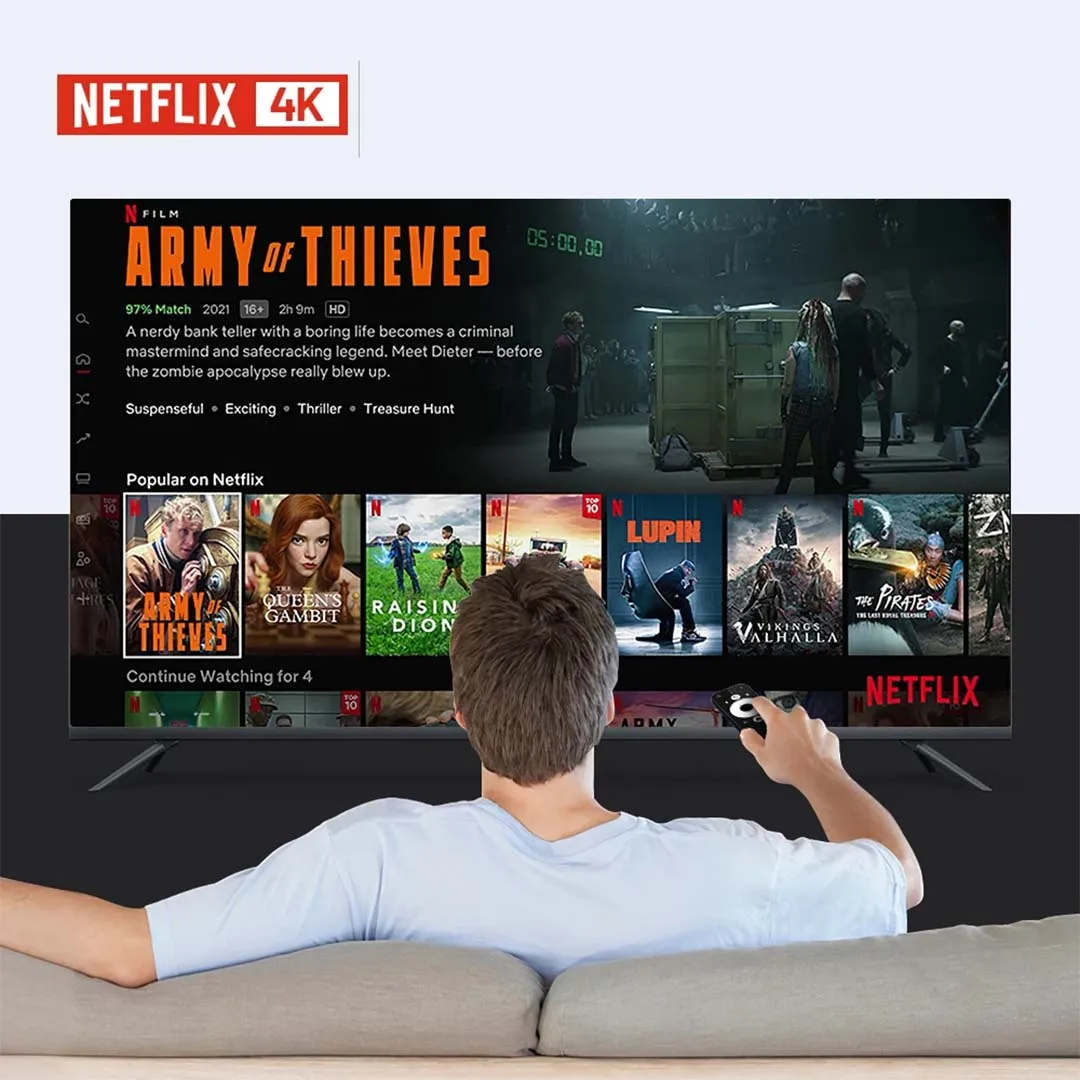
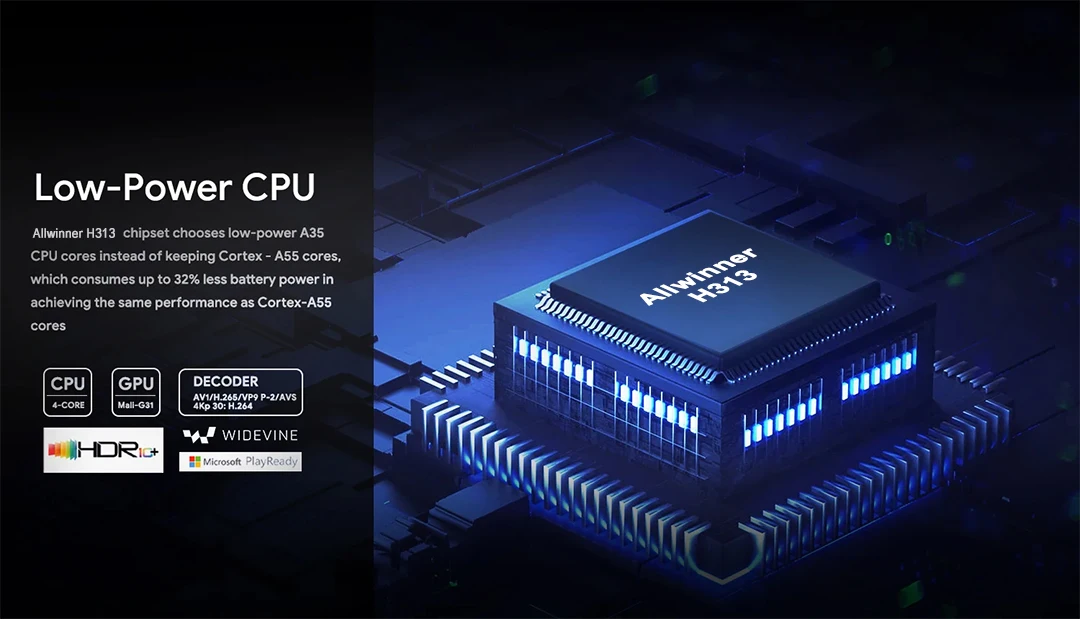
Allwinner H313
Strong SoC for smoother operation and clearer image quality effects.
Smart Voice Control
One click voice operation, say what you want

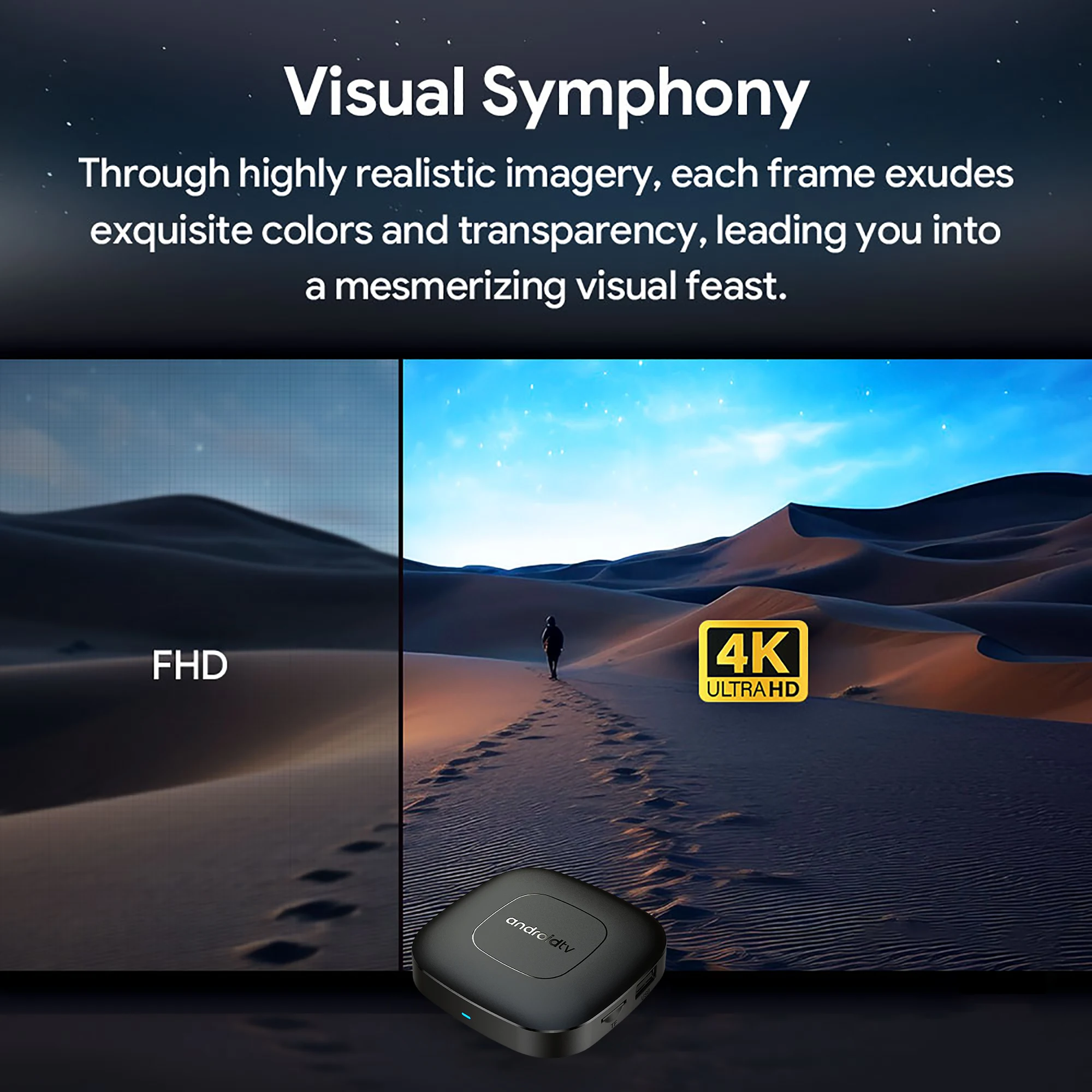
4K Video Decoding
Powerful video decoding function ,higher definition,more realistic image effection.
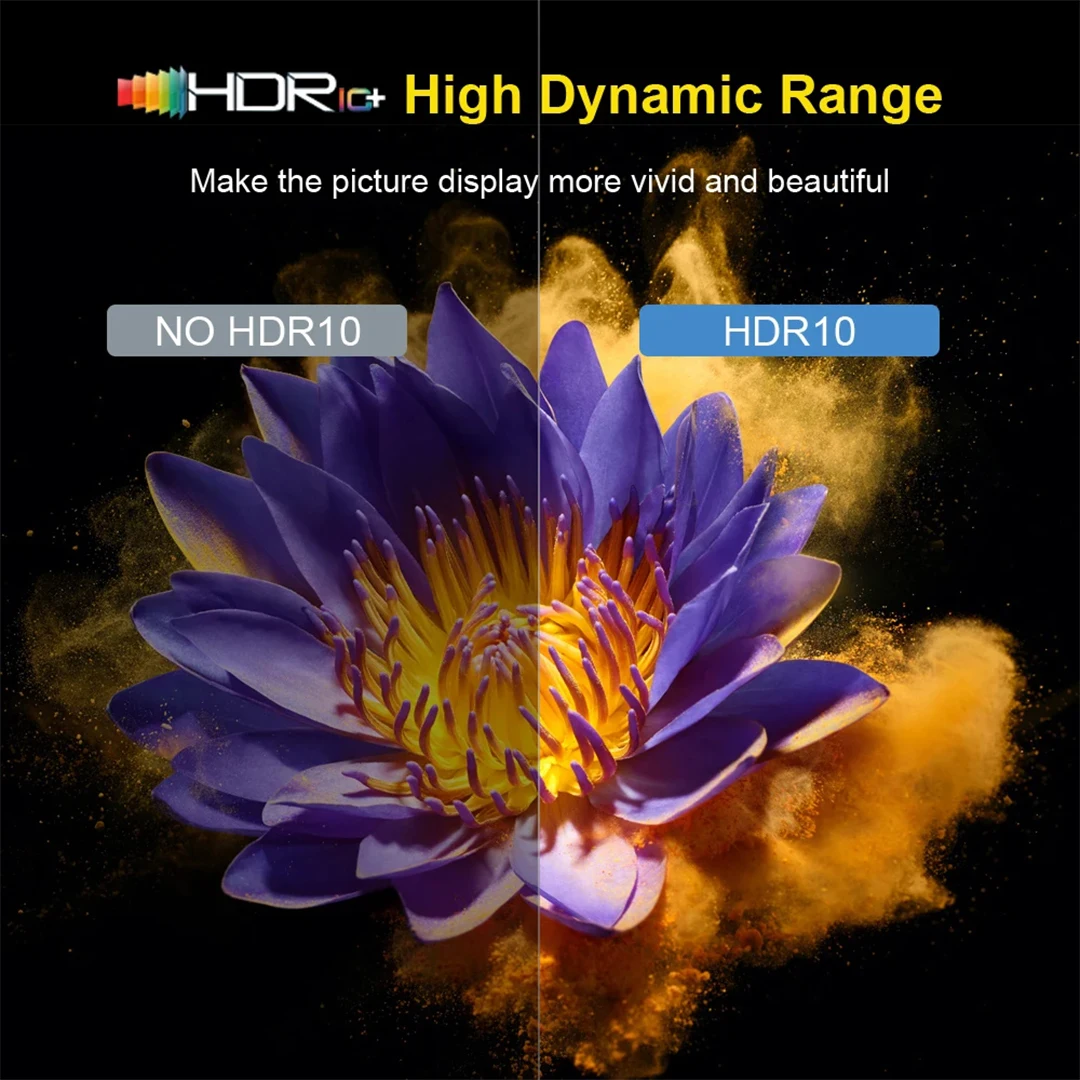
HDR 10High Dynamic Range
Make the picture display more vivid and beautiful.
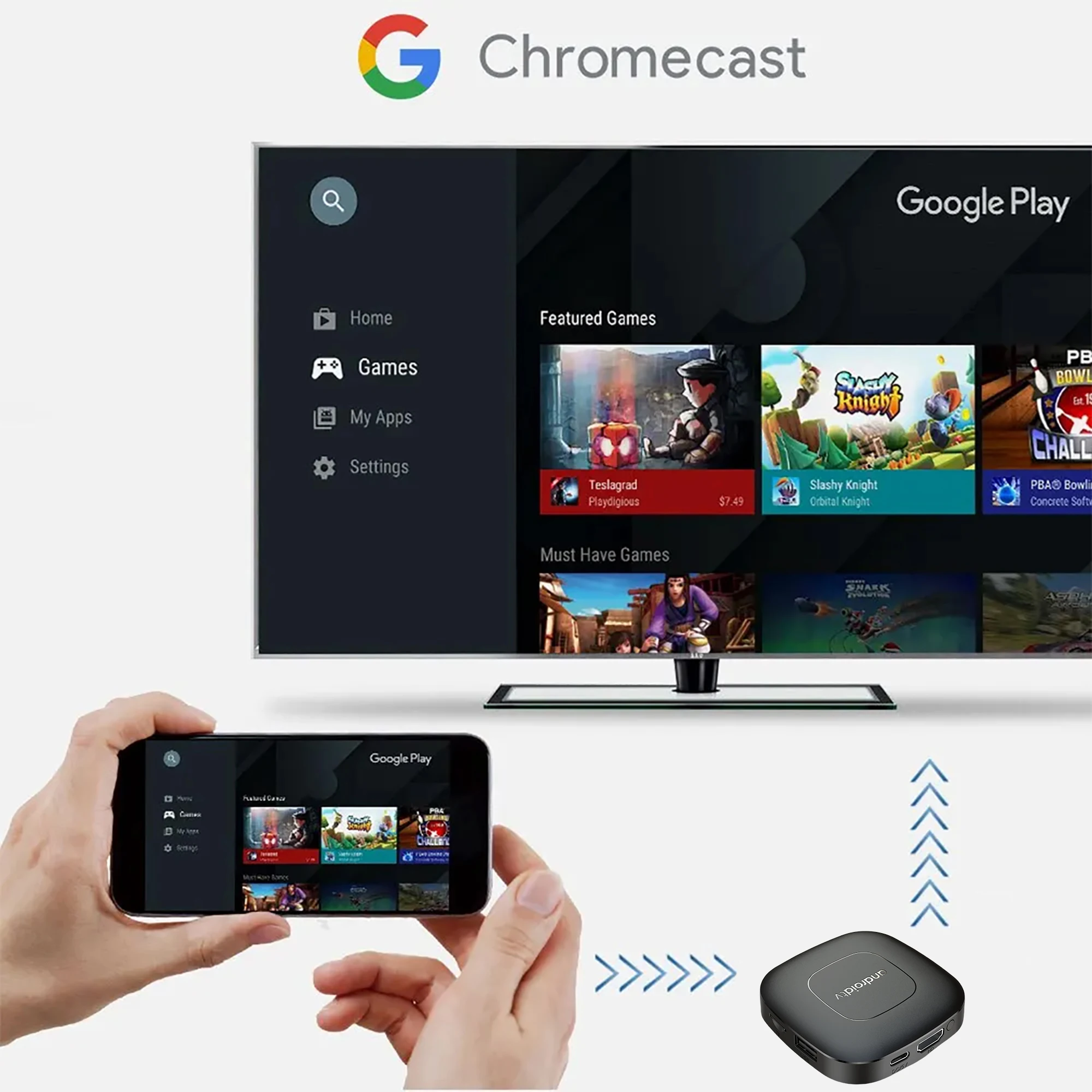
Multi Screen Sharing
Easily share the small screen to the large screen.You can play games and watch You can play games and watch
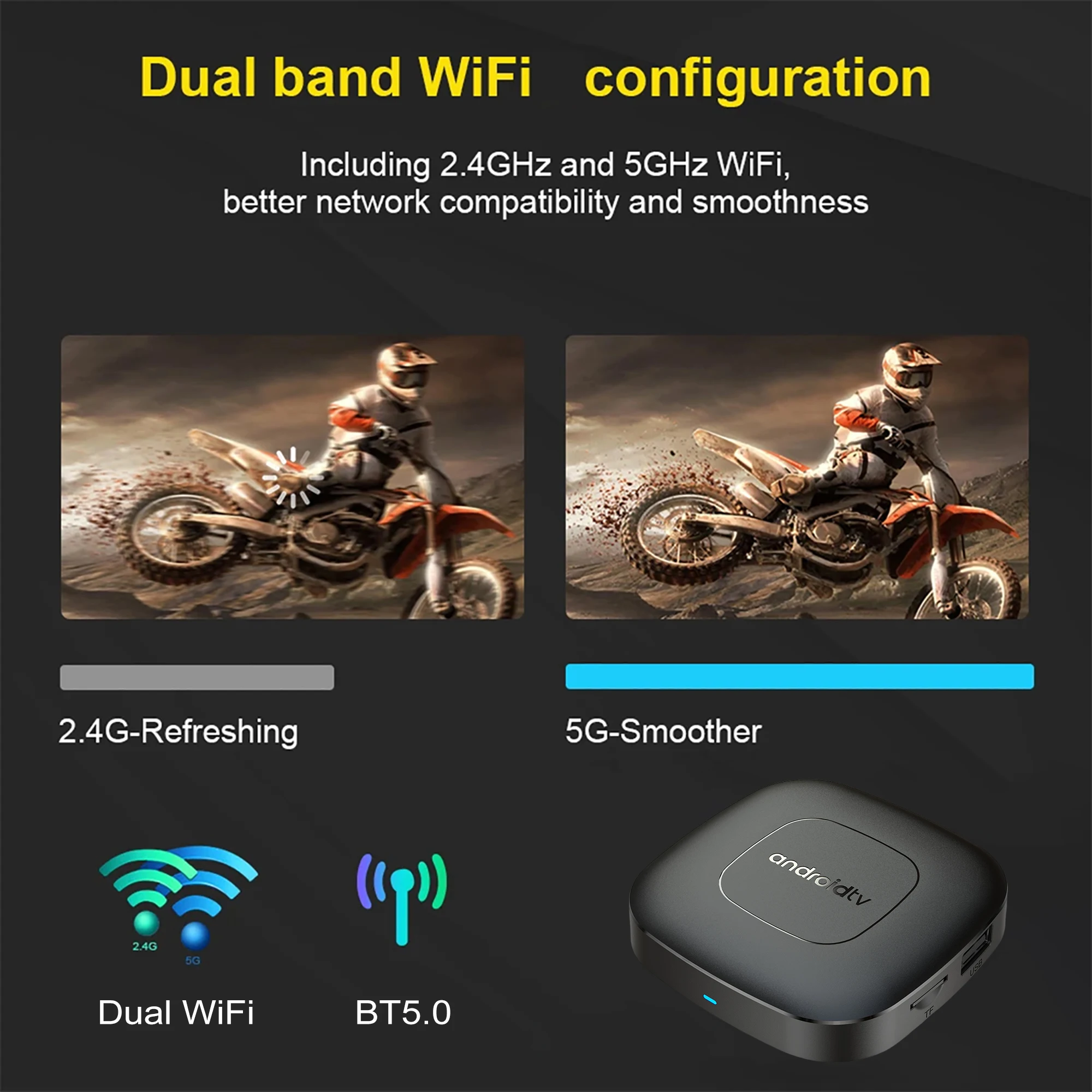
Dual band WiFi
2.4G and 5G dual band WiFi, with good compatibility, fast network speed, and smoother performance
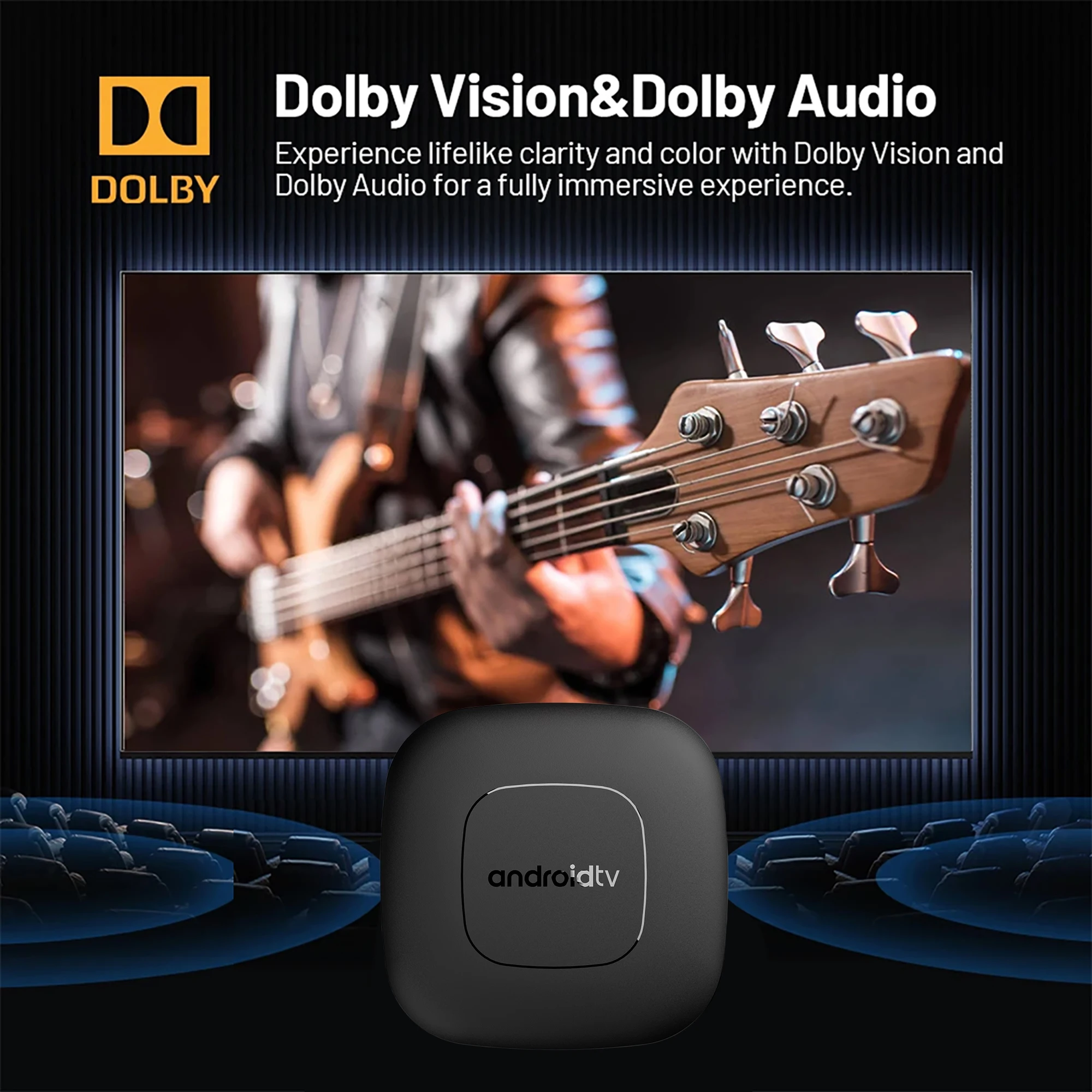
Dolby Vision & Dolby Audio
Experience lifelike clarity and color with Dolby Vision and Dolby Audio for a fully immersive experience.
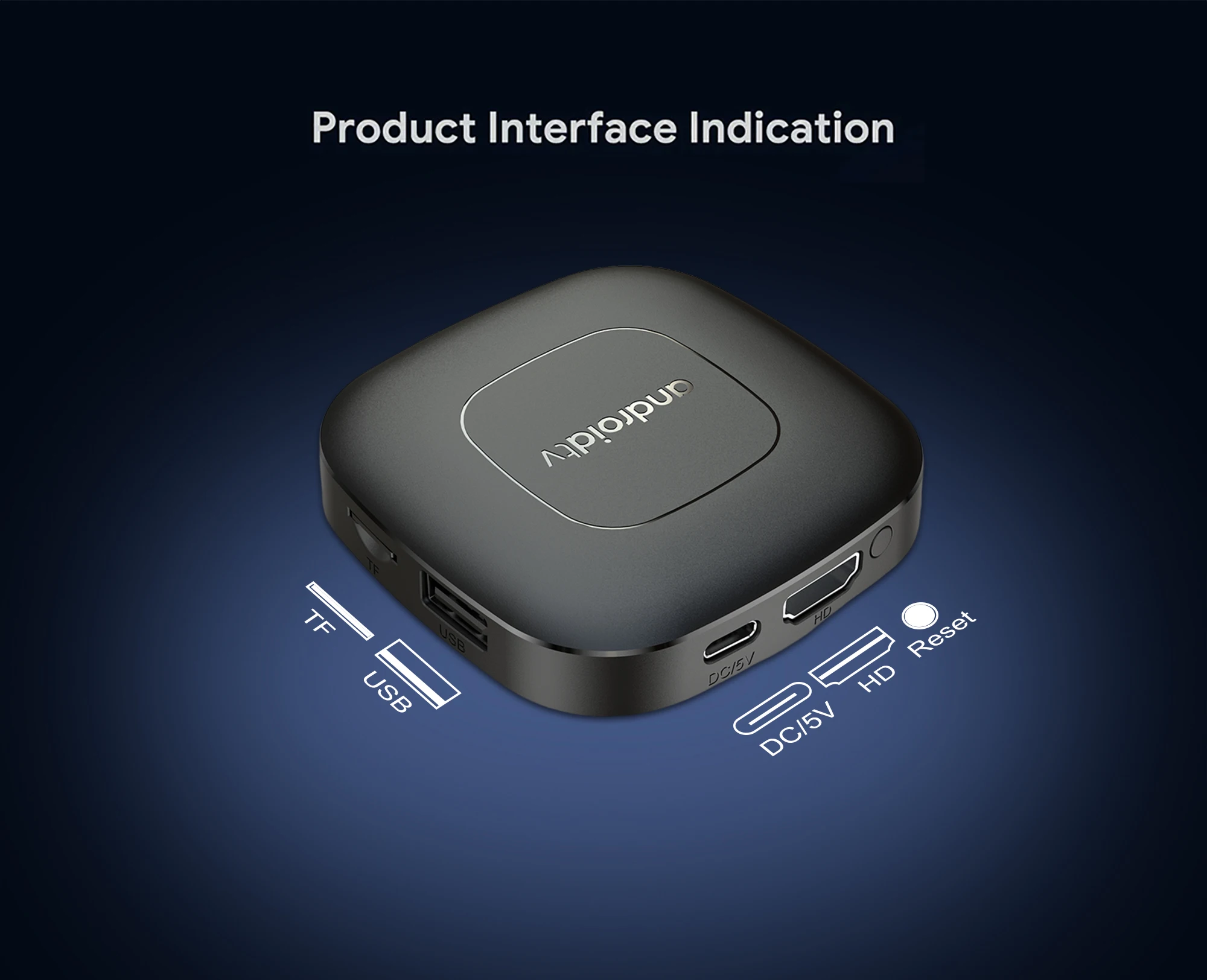
Rich interface simple connection
Small interface big effect, can meet various entertainment needs
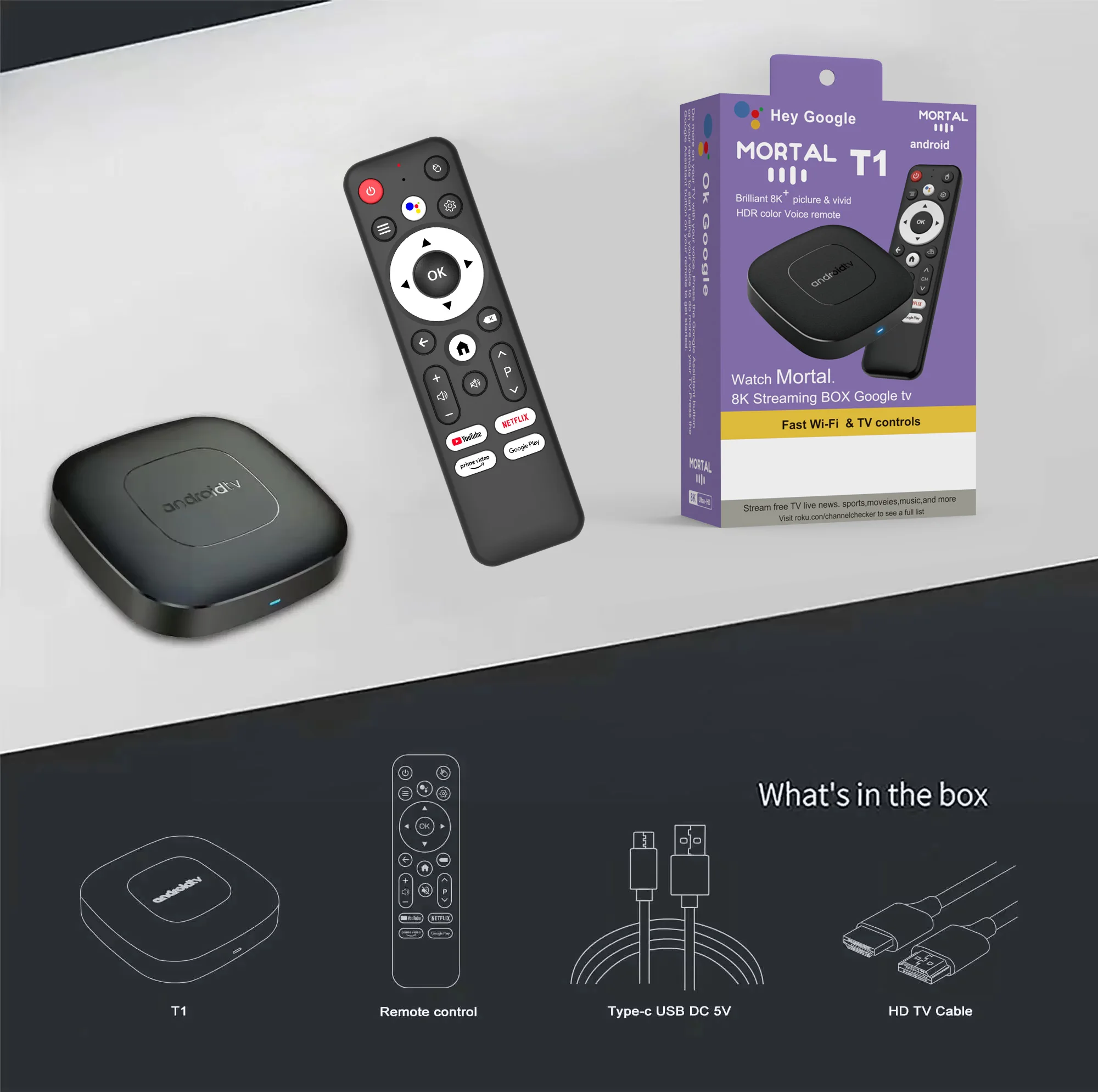
Package Include:
HDMI Cable*1
Remote Control*1
USB Charger*1
User Manual*1
Direction for use
Because the T1 machine will regularly update the software system to ensure that users receive the latest and best system, the Android system of the T1 machine has been gradually upgraded to Android 14. If the user receives an Android 14 system, they can use it with confidence. Our front-end developers have updated the T1 machine to the latest Android system version, which can be better compatible with more suitable applications.
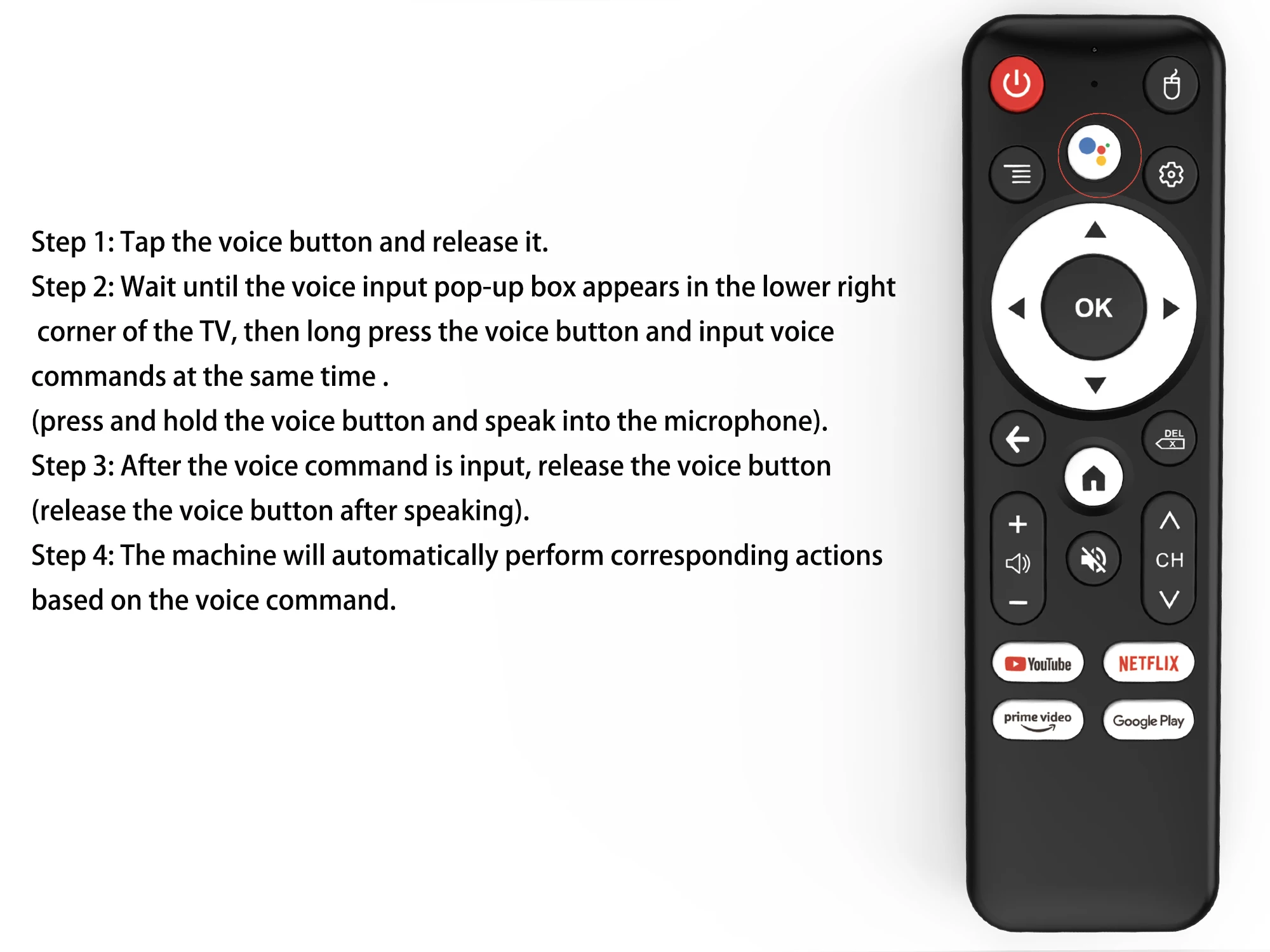
How to use Google Voice Assistant,? How to use Bluetooth voice remote, microphone?
Step 1: Tap the voice button and release it.
Step 2: Wait until the voice input pop-up box appears in the lower right corner of the TV, then long press the voice button and input voice commands at the same time (press and hold the voice button and speak into the microphone).
Step 3: After the voice command is input, release the voice button (release the voice button after speaking).
Step 4: The machine will automatically perform corresponding actions based on the voice command.
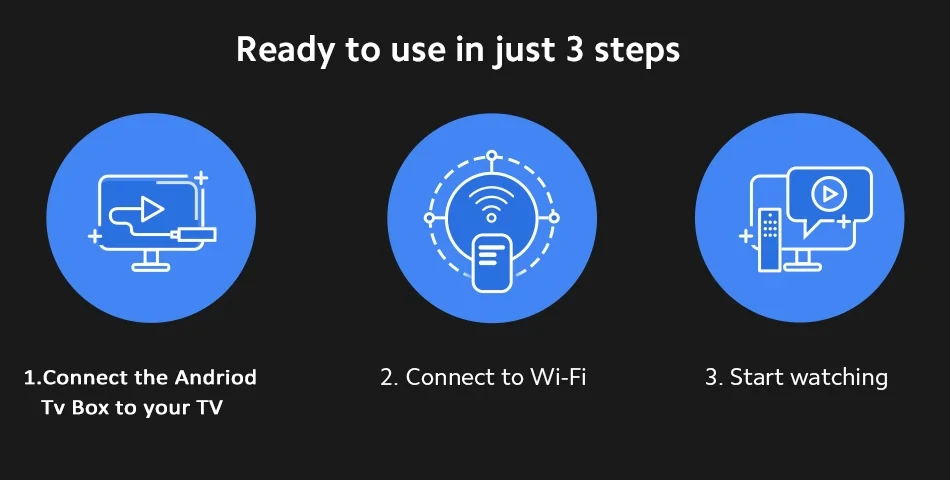
How to install T1 TV box? T1 TV box installation steps
Step 1: Connect one end of our standard HDMI cable to the HDMI interface of the set-top box , and the other end to the HDMI interface of the TV
Step 2: Using our standard USB power cord, with a 5V2A power supply (the suggestion given by the power supply is to use 5V2A specifications. If it is not this specification, it may cause the machine's power supply voltage Unable to run)and the set -top box indicator turns from the blue light to the red light)
Step 3: The blue indicator of the box box is on, indicating that the machine is running normally. Users need to use a TV remote control to switch to the set -top box to access the corresponding signal source of the corresponding HDMI port. Only when the signal source is switched to the corresponding signal source, the set -top box screen will access the TV.
Step 4: Open the network settings, connect to the network, and you can surf the Internet normally


Product Parameter
|
Packing |
Product size |
77*77*12MM |
|
Packaged weight |
0.3kg |
|
|
Packing Size |
170*110*45MM |
|
|
Product Color |
Black |
|
|
System Config |
CPU |
Allwinner H313 Quadcore cortex-A53frequency :1.5G |
|
GPU |
Mali-G31 MP2 |
|
|
FLASH |
8/16/ GB |
|
|
SDRAM |
2GB |
|
|
Power Supply |
Power Supply |
DC 5V/2A |
|
Main Features |
Case |
Plastic material(Private model ) |
|
OS |
Android TV 14.0 |
|
|
KODI |
18.1 |
|
|
WIFI |
2.4GHZ+5.8GHZ+BT5.0 |
|
|
3D |
Hardward 3D graphics acceleration |
|
|
Support Decoder format |
VP9-10 Profile-2 up to 8K@60fps H.265 HEVC MP-10@L5.1 up to8K@60fps H.264 AVC HP@L5.1 up to 8Kx4Kx2K@30fps H.264 MVC up to 1920x1080P @60fps MPEG-4 ASP@L5 up to 1920x1080P@60fps (ISO-14496) WMV/VC-1 SP/MP/AP up to 1920P@60fps AVS-P16(AVS+) /AVS-P2 JiZhun Profile up to 1080P@60fps MPEG-2 MP/HL up to 1080P@60fps (ISO-13818) MPEG-1 MP/HL up to 1080P@60fps (ISO-11172) RealVideo 8/9/10 up to 1080P@60fps WebM up to VGA Multiple language and multiple format sub-title video support MJPEG and JPEG unlimited pixel resolution decoding (ISO/IEC-10918) Supports JPEG thumbnail, scaling, rotation and transition effects Supports *.mkv,*.wmv,*.mpg, *.mpeg, *.dat, *.avi, *.mov, *.iso, *.mp4, HD MPEG1/2/4,H.264, HD AVC/VC-1,RM/RMVB,Xvid/DivX3/4/5/6 |